Select the CSP tab in the Numbering system.
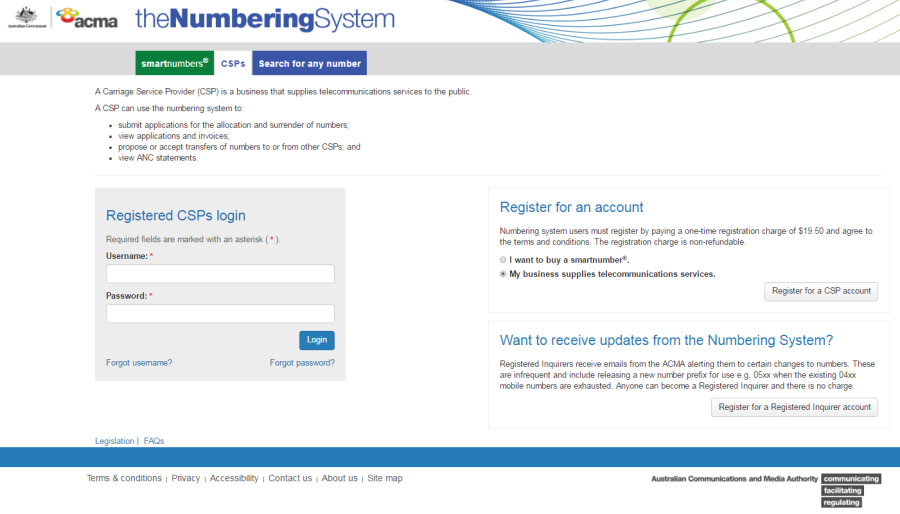
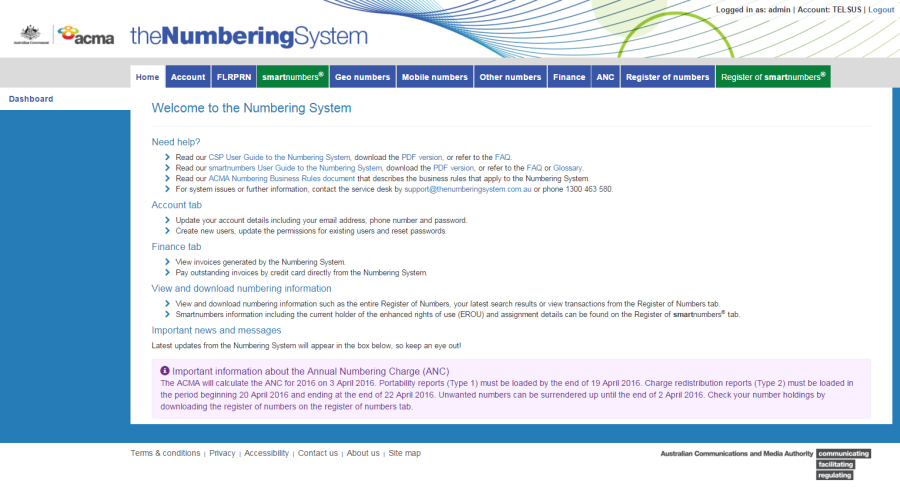
Login with your username and password in the Registered CSPs login box. The 'Dashboard' page will display.
Select the ANC tab. The 'Submit port out report' page will display.
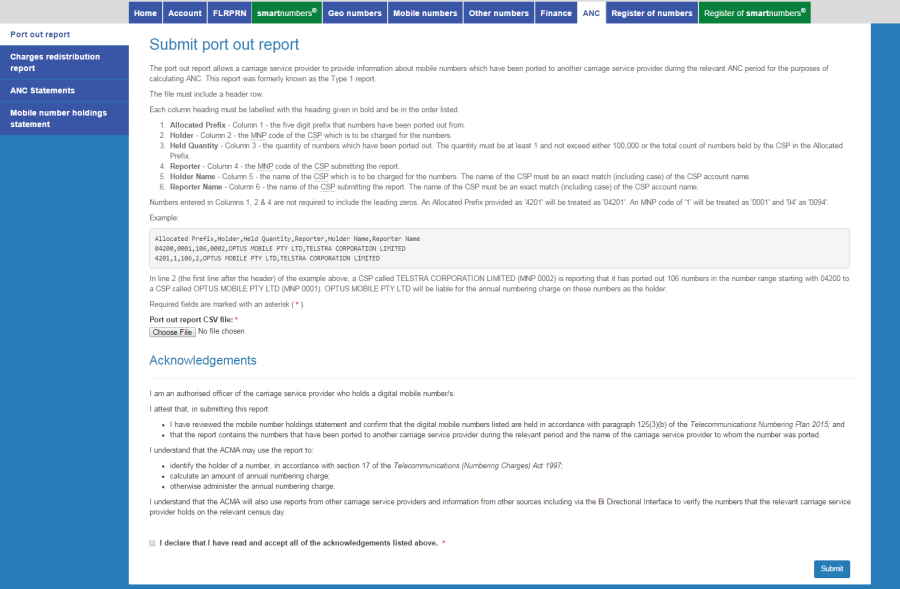
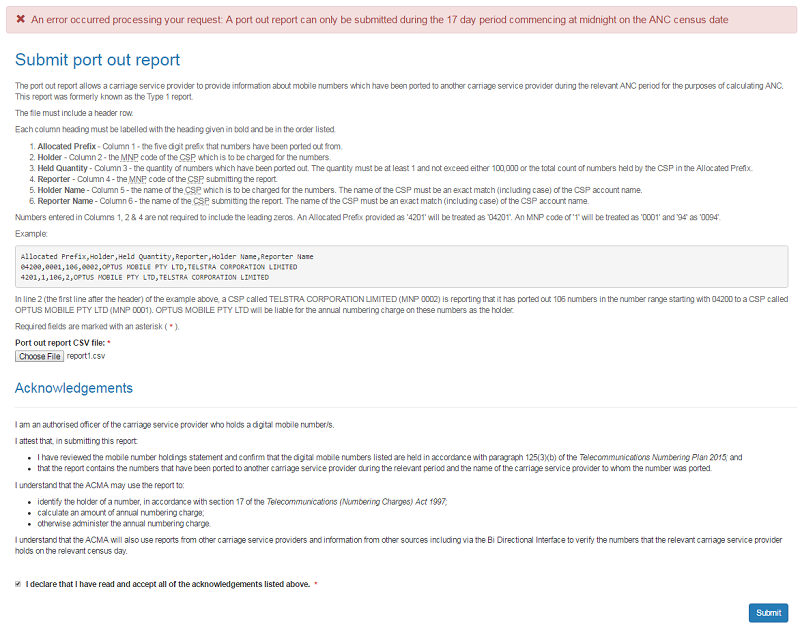
Click on Choose File. Your browser's upload dialog box will display.
Select a Port out report file and click OK or Open depending on your browser. The file will upload.
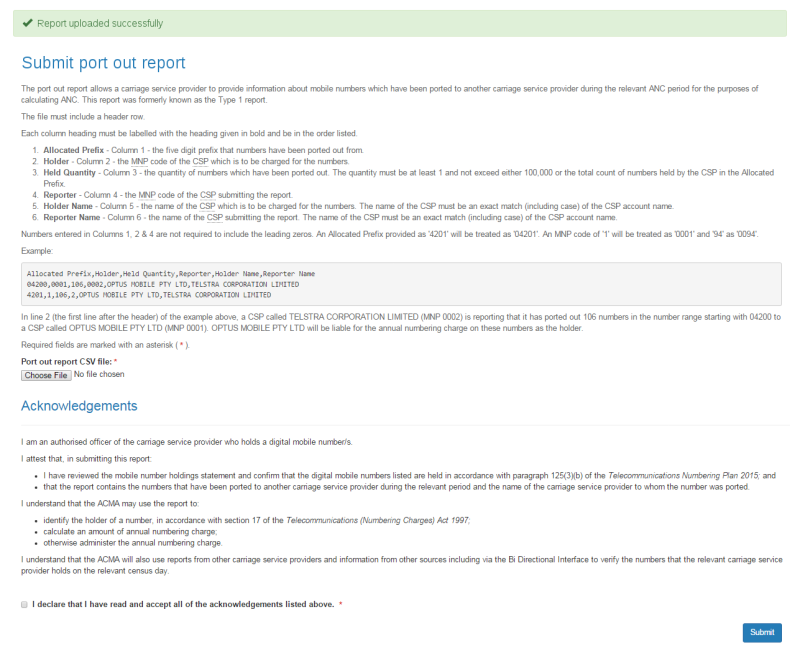
You are required to read and accept the terms and conditions under Acknowledgements by ticking the checkbox.
Click Submit. The list of mobile numbers which have been ported to another CSP during the relevant annual numbering charge period will be submitted.