ANC Statements

This topic describes how to:


  1. Select the CSP tab in the Numbering system.
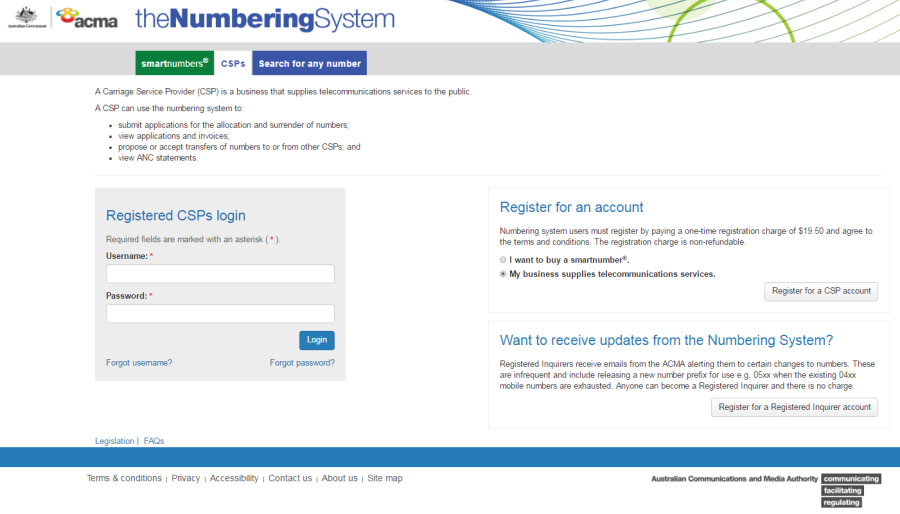
    CSPs tab

  2. Login with your username and password in the Registered CSPs login box. The 'Dashboard' page will display.
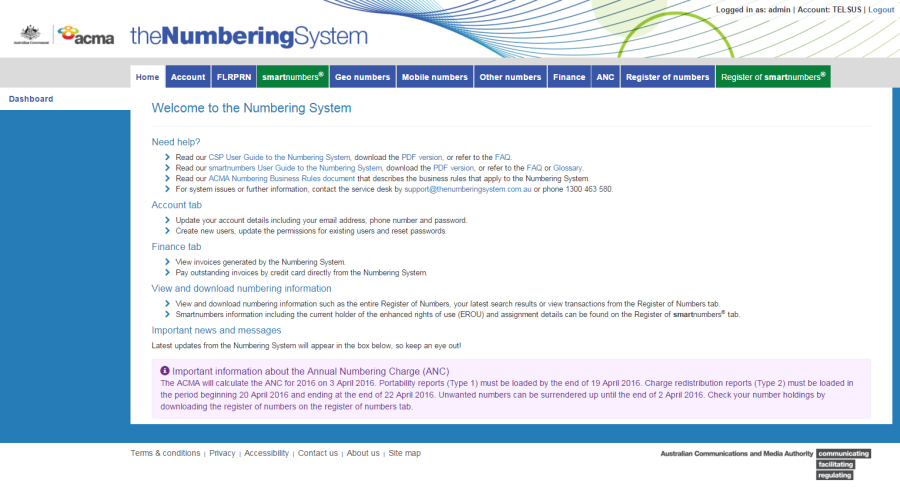
    CSP Dashboard

  3. Select the ANC tab. The 'Submit port out report' page will display.
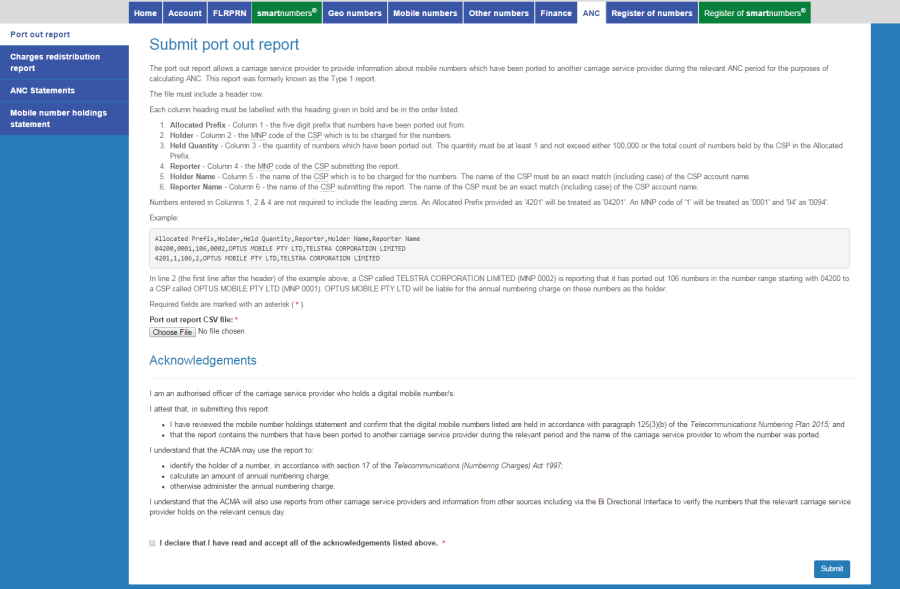
    Submit port out report page

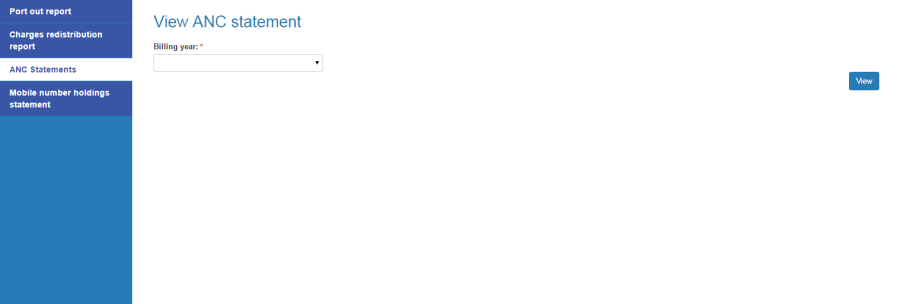
  1. Click on the ANC Statements tab. The 'View ANC statement' page will display.

    View ANC statement page

  2. Select the billing year from the Billing year dropdown menu.

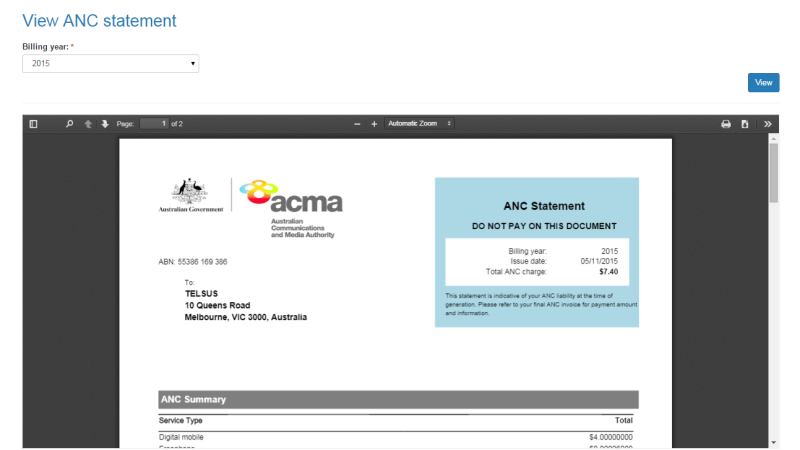
  3. Click on View. The statement will display in the statement viewer window.

    Statement viewer window

Note: The statement viewer window enables you to search within the statement as well as navigate pages, zoom, print and download the statement as a PDF.