Geographic Numbers National Allocation
This topic describes how to:
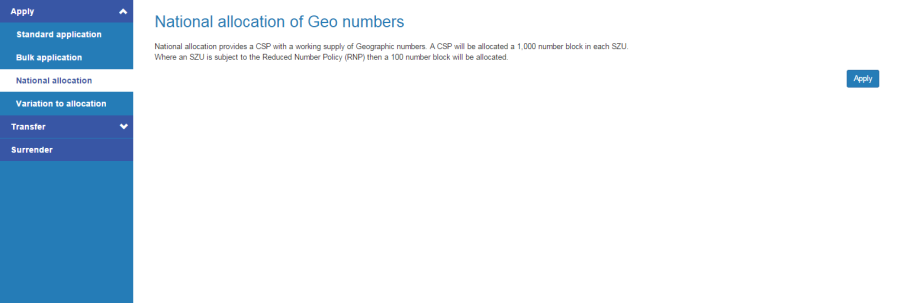
National allocation provides a CSP with a working supply of geographic numbers. A CSP will be allocated a 1,000 number block in each Standard Zone Unit (SZU). Where an SZU is subject to the Reduced Number Policy (RNP) then a 100 number block will be allocated.
-
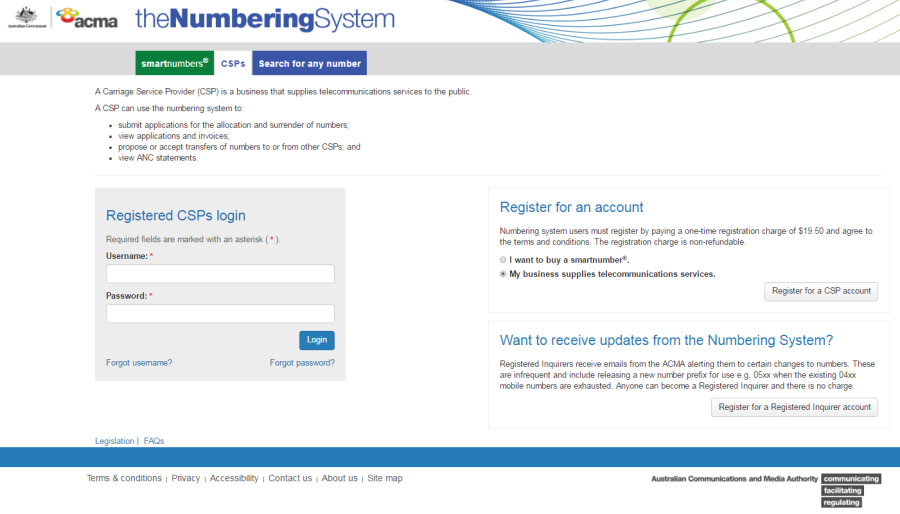
Select the CSP tab in the Numbering system.
-
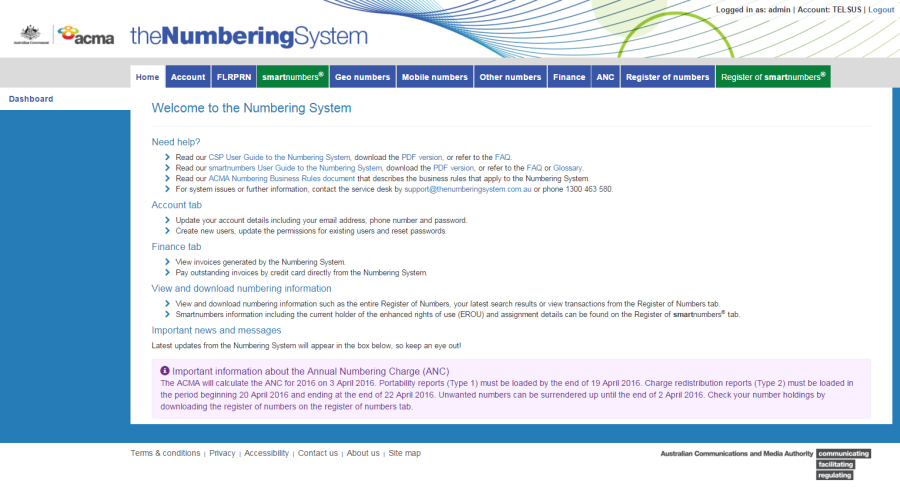
Login with your username and password in the Registered CSPs login box. The 'Dashboard' page will display.
-
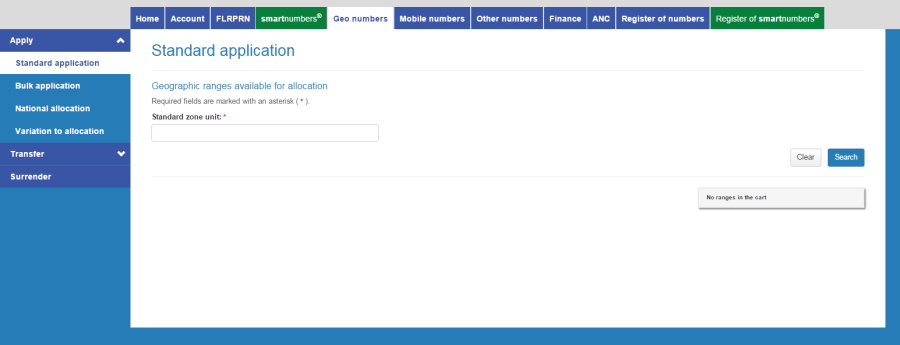
Click on the Geo numbers tab. The 'Standard application' page will display.
-
Click on the National allocation tab. The 'National allocation of Geo numbers' page displays.
-
Click on Apply. The 'National allocation review' page displays.
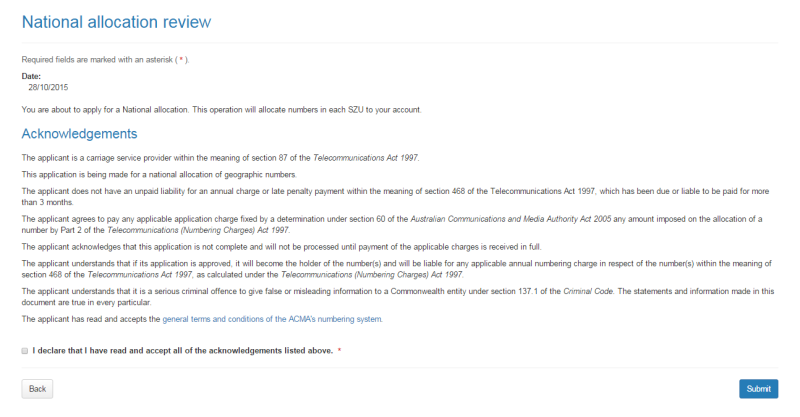
Note: If you want to cancel, click on Back.
-
You are required to read and accept the terms and conditions under Acknowledgements by ticking the checkbox.
-
Click Submit. The 'National application confirmation' page will display.
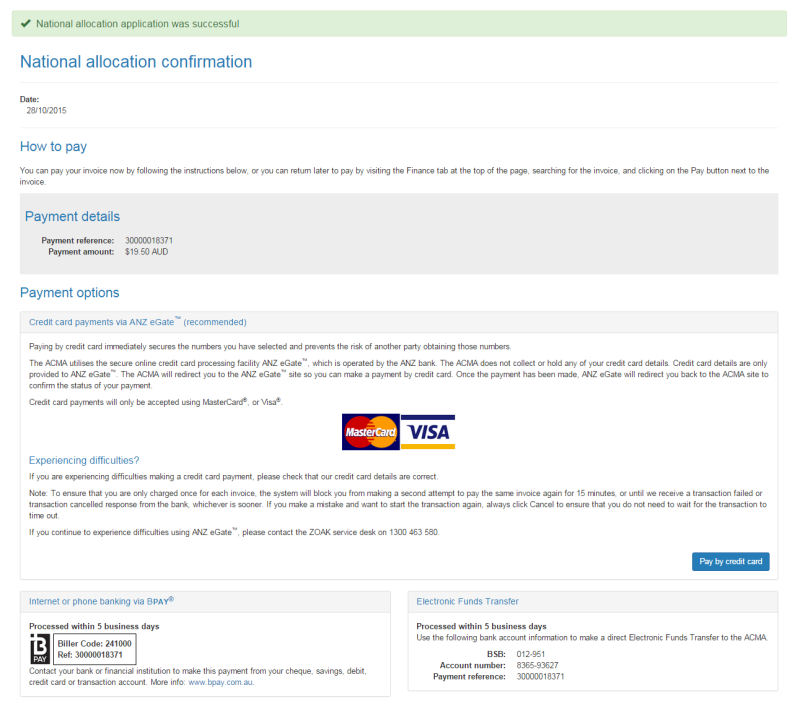
The ‘National application confirmation’ page provides the details for paying by BPay or Electronic Funds Transfer — these are also provided on your invoice.
You can also click on Pay by credit card if you wish to pay immediately (refer to Pay now below).
Pay now
-
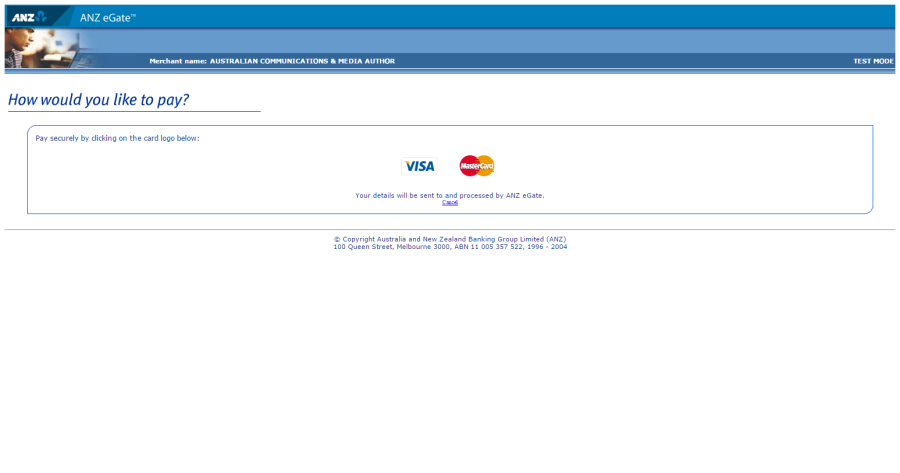
Click on Back to cancel paying, or click Pay by credit card to proceed. The ANZ eGate payment gateway will display.
-
Click on the appropriate credit card logo (VISA or Mastercard).
-
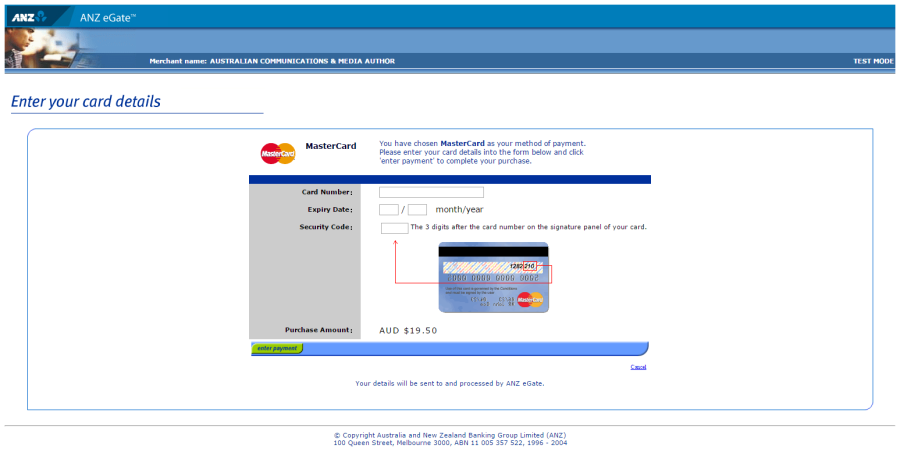
Enter your credit card number, expiry date and security code.
-
Review your purchase amount.
Note: If you want to cancel the credit card payment, click on Cancel — you will be redirected from the ANZ eGate to the Numbering system.
Login and select theFinance tab to access your invoice so that you can access the payment options again.
-
Click on Enter payment. The ANZ eGate will process the payment.
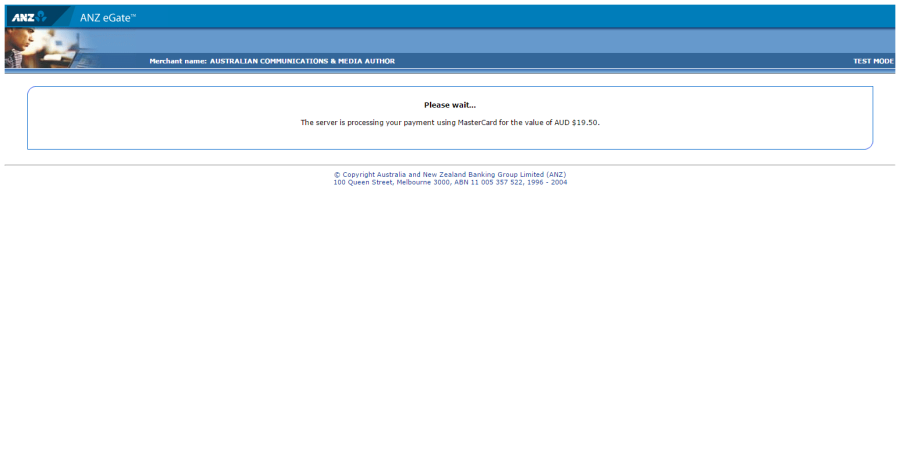
Upon payment approval you are redirected from the ANZ eGate to the Numbering system.