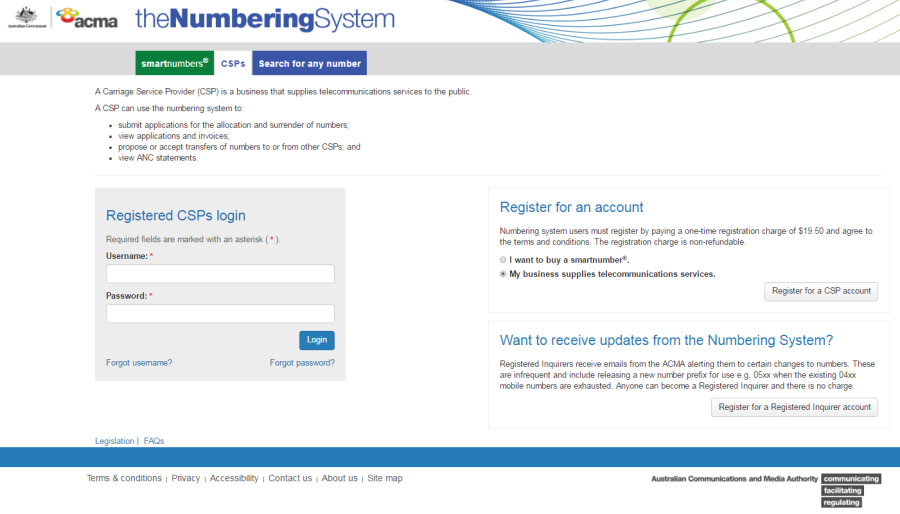
Select the CSP tab in the Numbering system.
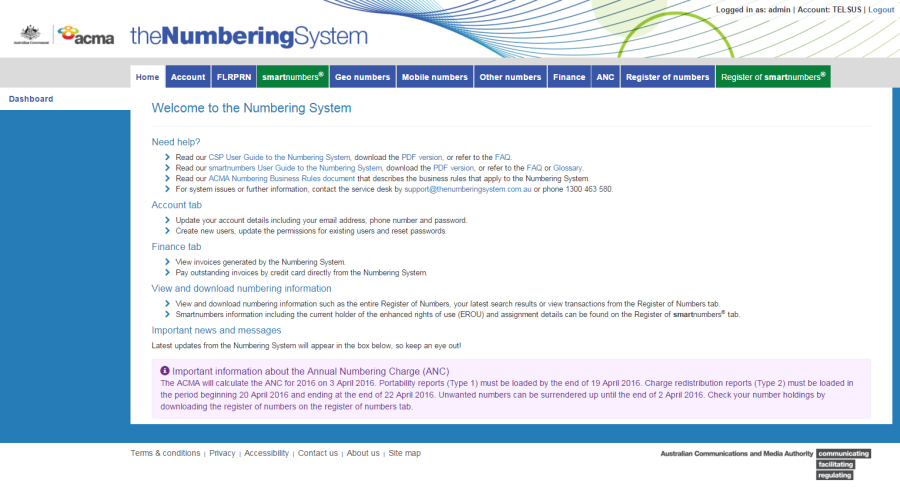
Login with your username and password in the Registered CSPs login box. The 'Dashboard' page will display.
This topic describes how to:
Apply for smartnumber surrender
Select the CSP tab in the Numbering system.
Login with your username and password in the Registered CSPs login box. The 'Dashboard' page will display.
Select the smartnumbers tab. The 'Buy smartnumber' page will display.
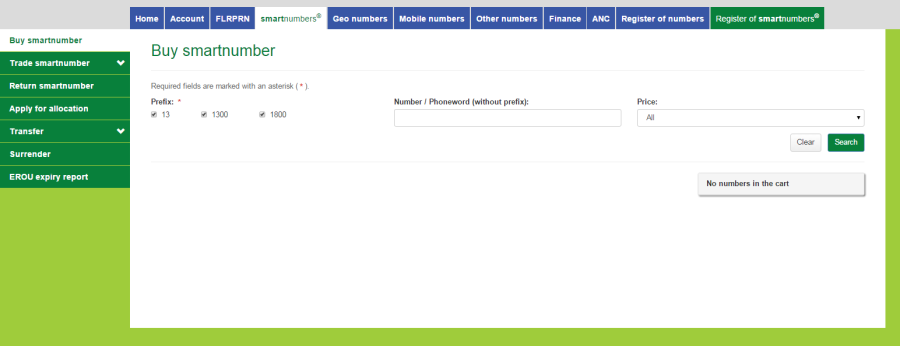
Select the Surrender tab. The 'Surrender application' page will display.
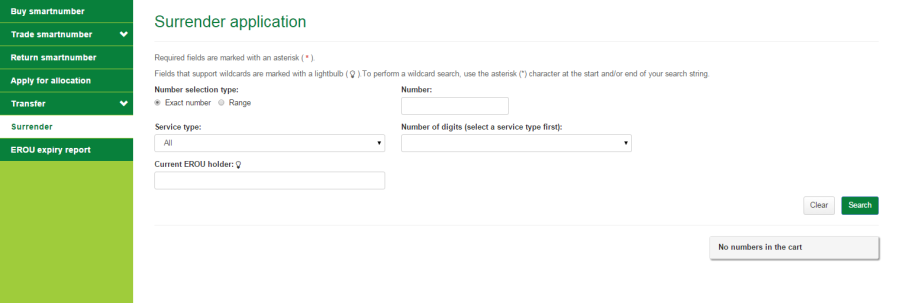
Select a Number selection type option — either Exact Number or Range.
Exact Number
Type the smartnumber in the Number box.
Range
Type the start of the number range in the Number from box and the end of the number range in the Number to box.
If you are not searching for an exact number, you can apply two filters for the search results:
Select the number services type from the Service type dropdown menu — either Freephone or Local rate or All for both.
If you have selected service type, you can select number of digits from the Number of digits dropdown menu.
Type the EROU holder in the Current EROU holder box.
Click Search. The search results will display.
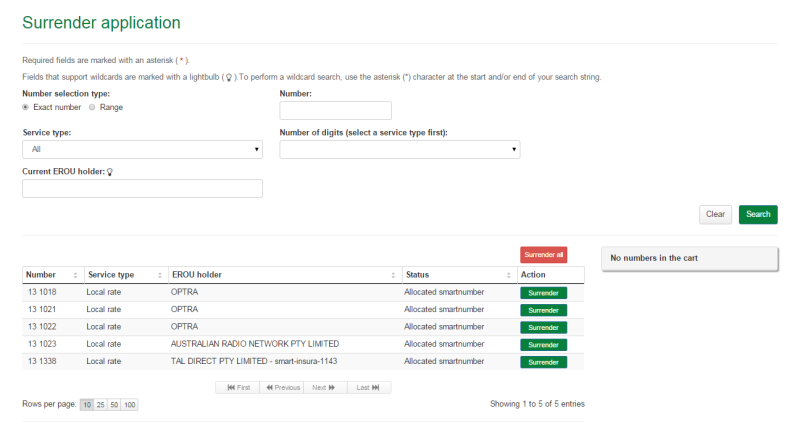
Note: If multiple rows are displayed, click on Next to navigate through them. You can also change the number of rows displayed per page to 25, 50 or 100. You can also sort by column headers.
Note: You can click Clear to redo your search.
Click on Surrender in the Action column of a specific smartnumber to surrender. The number is added to the cart as a Surrender.
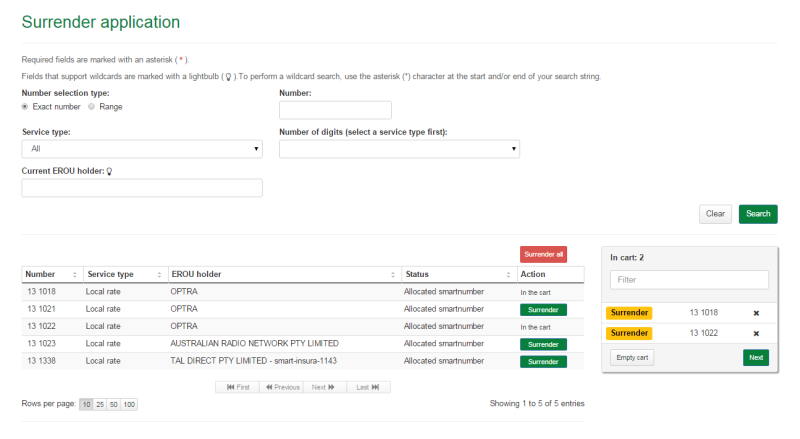
Note: To surrender all numbers, click on Surrender all.
Note: To remove all numbers in the cart, click on Empty cart. To remove a specific number from the cart, click on X next to the number.
Click on Next. The 'Surrender application review' page will display.
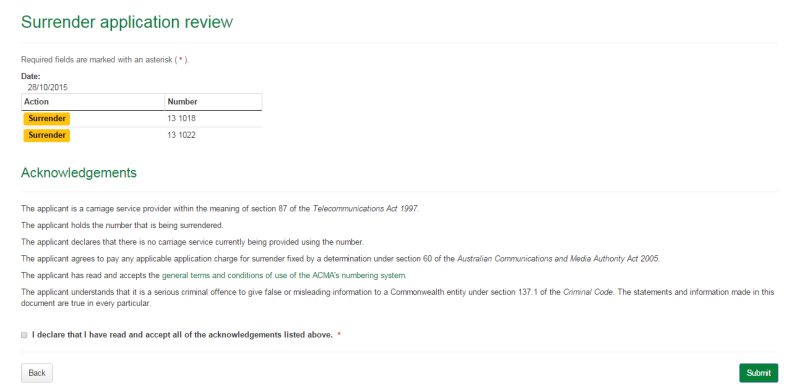
Review your surrender smartnumbers.
Note: If you need to alter details click on Back and make changes as required.
You are required to read and accept the terms and conditions under Acknowledgements by ticking the checkbox.
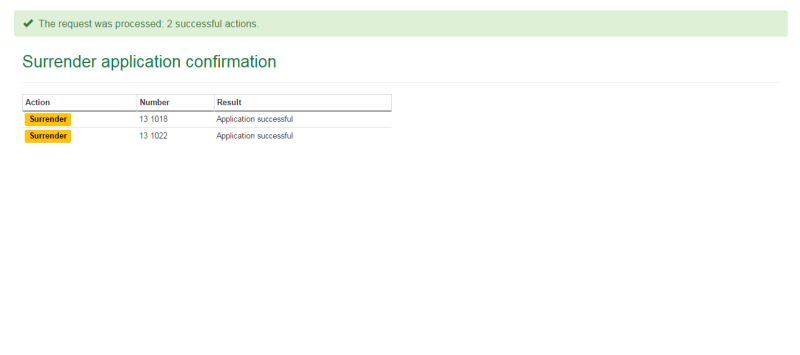
Click Submit. The 'Surrender application confirmation' page will display.